
Blog
how to activate windows 10
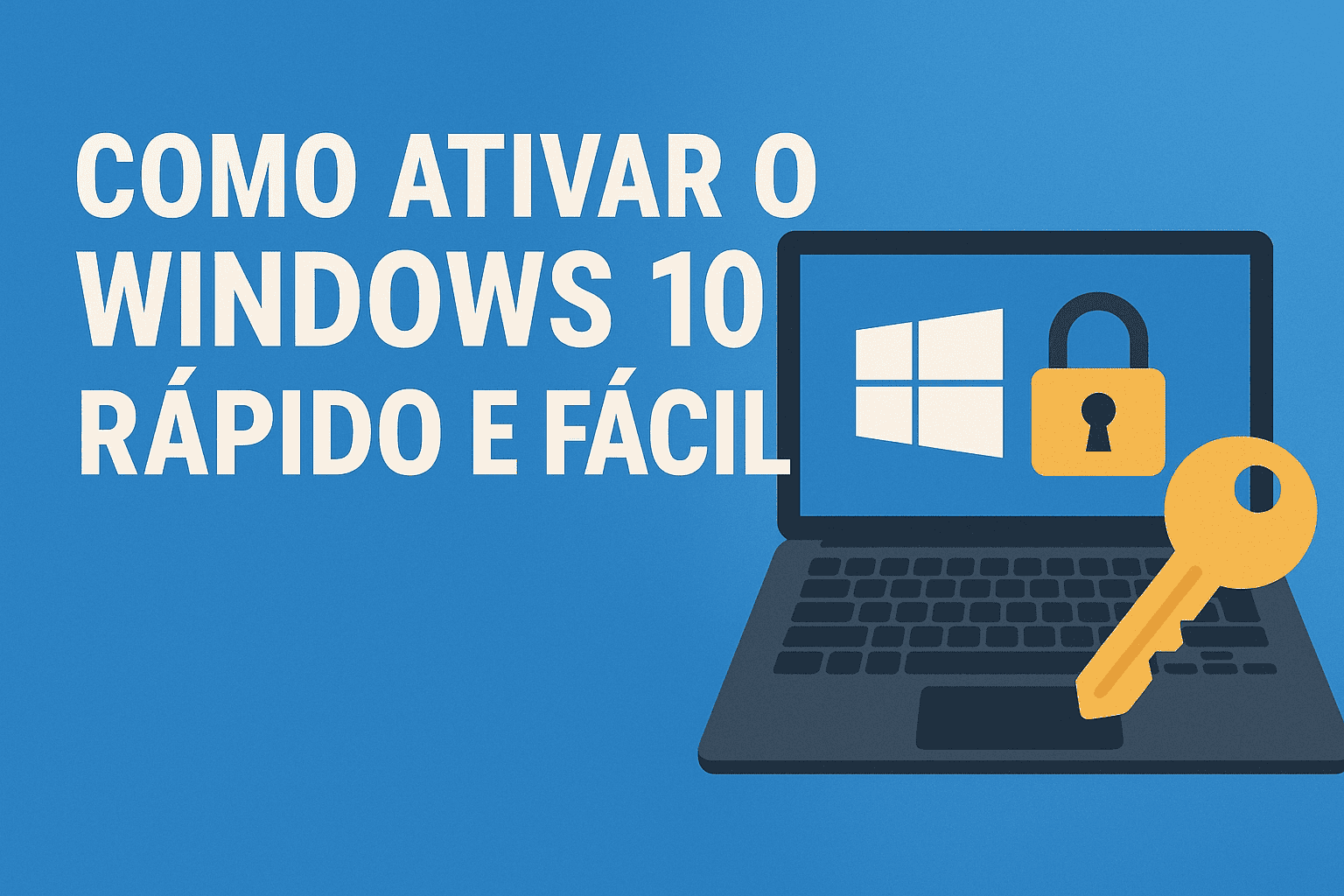
How to Activate Windows 10
Learn how to activate Windows 10 simply, quickly, and securely in this comprehensive guide.
Why activate Windows 10?
Activating Windows 10 ensures full access to the operating system’s features, including security updates, customization, and official support from Microsoft.
Tip: Using a genuine license prevents activation errors and ensures you receive all system updates.
Step-by-step guide to activating Windows 10
Click the Start menu and open Settings.
Go to Update & Security.
Click Activation.
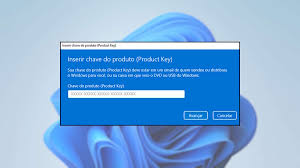
Select Change product key.
Enter your key and click Next.
Frequently Asked Questions
What happens if I don’t activate Windows?
The system will continue to work, but with limitations, and a watermark will appear on the screen.
Can I use Windows without a license?
Yes, but with restrictions. To use all features, you must activate the system with a valid key.
Buy an original license at: https://casadosoftware.com.br
Related content
View all

Want to buy a genuine license with automatic delivery?
Check our products and activate in minutes.