
Blog
Windows activation error 0xc004f050: how to solve it step by step
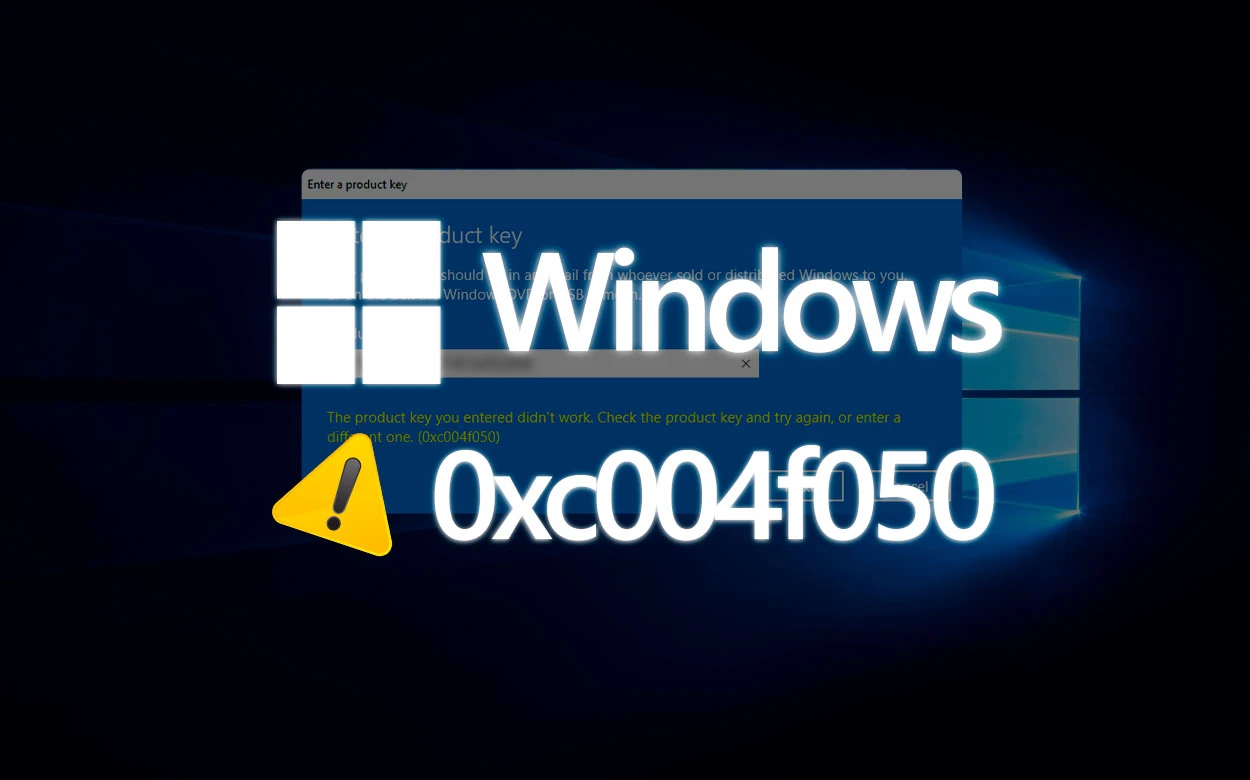
Windows Activation Error 0xc004f050: Step-by-Step Guide to Fixing It
Activation error 0xc004f050 is one of the most common problems encountered by users trying to activate Windows. This error usually appears when the product key is not recognized by the system or when there is an issue during the activation process.
When this error occurs, Windows displays a message stating that the product key is invalid or cannot be used to activate the system.
In this comprehensive guide, you will learn:
What error 0xc004f050 means
What are the main causes of the problem
How to fix the error step by step
How to activate Windows correctly
What is activation error 0xc004f050
Error 0xc004f050 appears when Windows cannot validate the activation key entered by the user.
This can occur for various reasons, including incompatibility between the key and the system version or issues with the license verification.
This error usually appears in situations such as:
Recent Windows installation
Attempt to activate a different version of the system
Invalid or incorrect key
Temporary error on the activation servers
Main causes of error 0xc004f050
Before attempting to resolve the issue, it is important to understand what might be causing the error.
1. Key incompatible with the Windows version
One of the most common causes is attempting to activate a version of Windows with a key intended for another edition of the system.
For example:
Windows Pro key on Windows Home
Key from another version of the system
2. Typing error in the key
Another common problem is entering the activation key incorrectly. Since the key is 25 characters long, even small mistakes can prevent activation.
3. Temporary issues with Microsoft servers
In some cases, the servers responsible for validating licenses may be temporarily unavailable.
4. Incorrect system installation
If Windows was installed with a version different from the one for which the key was purchased, the error may appear during activation.
How to resolve activation error 0xc004f050
There are a few solutions that can resolve the issue quickly.
1. Check the installed version of Windows
Before entering the key, verify that the installed version of Windows matches the purchased license.
To check:
Go to Settings
Click System
Select About
On this screen, you can see which edition of Windows is installed.
2. Re-enter the product key
In many cases, re-entering the key resolves the issue.
To do this:
Go to Settings
Click System
Select Activation
Click Change Product Key
Re-enter the key
3. Check your internet connection
The activation process requires a connection to Microsoft's servers. If there are connection issues, validation may fail.
4. Restart your computer
In some cases, restarting your computer can resolve temporary activation-related issues.
5. Use a valid product key
If the problem persists, you may need to use a valid activation key that is compatible with the version of Windows installed.
How to activate Windows correctly
Once you have a valid key, the activation process is simple.
Go to Settings
Click System
Select Activation
Click Change product key
Enter the activation key
After confirmation, Windows will be activated automatically.
Why activating Windows is important
Using an activated version of Windows ensures full access to system features and security updates.
Key benefits include:
Removing the “Activate Windows” watermark
Access to all personalization settings
Automatic security updates
Improved system stability
Conclusion
Activation error 0xc004f050 may seem complicated at first glance, but in most cases it can be resolved by checking the installed version of Windows and using a valid product key.
By following the steps in this guide, you can quickly activate your system and use all Windows features without limitations.
Fix the Windows activation error now
If your Windows is displaying an activation error, you can use a genuine digital key to activate the system in just a few minutes.
Automatic delivery after payment
Original ESD license
Compatible with 32-bit and 64-bit
Quick activation
Buy Windows 11 Pro key View all available licenses
Frequently Asked Questions
Does error 0xc004f050 mean the key is fake?
Not always. Often the error occurs because the installed version of Windows does not match the key used.
Can I fix this error without reinstalling Windows?
Yes. In most cases, simply entering a valid key or verifying the correct system edition is sufficient.
Do I need to activate Windows to use the computer?
The system can run without activation, but some features will be limited.
Related content
View all


Want to buy a genuine license with automatic delivery?
Check our products and activate in minutes.