
Blog
difference between windows 11 home and pro
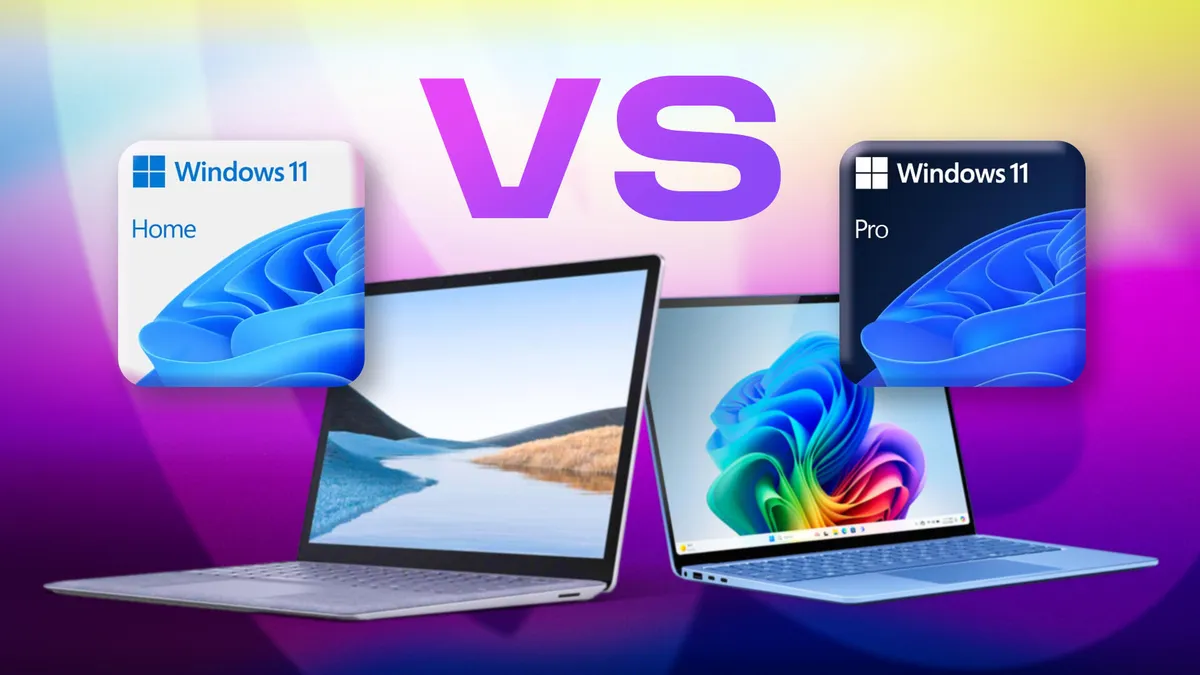
Difference Between Windows 11 Home and Pro: Which Is the Best Option for You?
Windows 11 has introduced several new features and improvements compared to previous versions, but a common question among users is which edition to choose: Home or Pro. In this article, we’ll explore the main differences between these two versions, helping you decide which one best meets your needs.
Key Differences Between Windows 11 Home and Pro
Before we dive into the specific features of each edition, it’s important to understand that both share many basic functionalities. However, there are significant differences that may influence your choice.
1. Security Features
Windows 11 Home: Includes Windows Hello, ransomware protection, and Windows Defender security.
Windows 11 Pro: Adds features such as BitLocker, which provides disk encryption, and Group Policy for device management.
2. Management Features
Windows 11 Home: Ideal for home users, with basic management features.
Windows 11 Pro: Features advanced tools such as remote access, which allows you to connect to another computer, and domain support, essential for corporate environments.
3. Updates and Support
Windows 11 Home: Receives regular updates, but without options to postpone these updates.
Windows 11 Pro: Allows you to postpone updates, which can be useful for avoiding potential issues in work environments.
Step-by-Step: How to Choose Between Windows 11 Home and Pro
Identify your needs: Ask yourself if you need advanced security and management features.
Consider your usage: If you’re a home user, Windows 11 Home may be sufficient. For businesses or advanced users, Pro is more suitable.
Review your budget: Windows 11 Pro generally costs more. Determine whether the additional features are worth the investment for you.
Test the editions: If possible, try both versions before making your final decision.
Frequently Asked Questions
1. Can I upgrade from Windows 11 Home to Pro?
Yes, you can upgrade through the Microsoft Store, where you can purchase a Windows 11 Pro license.
2. Is Windows 11 Home less secure than Pro?
Although Windows 11 Home offers good security features, Pro includes additional features that are better suited for business environments.
3. Which version is better for gaming?
Both versions are good for gaming, but Windows 11 Home may be more than enough for most gamers.
Conclusion
The choice between Windows 11 Home and Pro depends on your specific needs. If you’re looking for a simple and efficient experience for home use, Windows 11 Home may be the best choice. However, if you’re a professional or need additional security and management features, Windows 11 Pro is the most suitable option. Evaluate your priorities and make the choice that best fits your profile!
Buy an original license at: https://casadosoftware.com.br
Related content
View all
Want to buy a genuine license with automatic delivery?
Check our products and activate in minutes.