
Blog
What's the difference between Office 2024 and Office 365?

Microsoft Office may be the most common productivity tool for business users, but it isn’t a one-size-fits-all solution. Here are the differences in features and pricing plans between Office 2024 and Microsoft 365, and how to decide which one is best for you.

Microsoft Office—best known for its productivity apps Word, Excel, PowerPoint, and Outlook—is the tool used by billions of people worldwide to work and study, whether at home, in the office, in the classroom, or in a combination of these environments. This productivity suite is used by people working in over 100 languages in virtually every country in the world and is available in versions for personal use, small businesses, large corporations, and educational purposes.
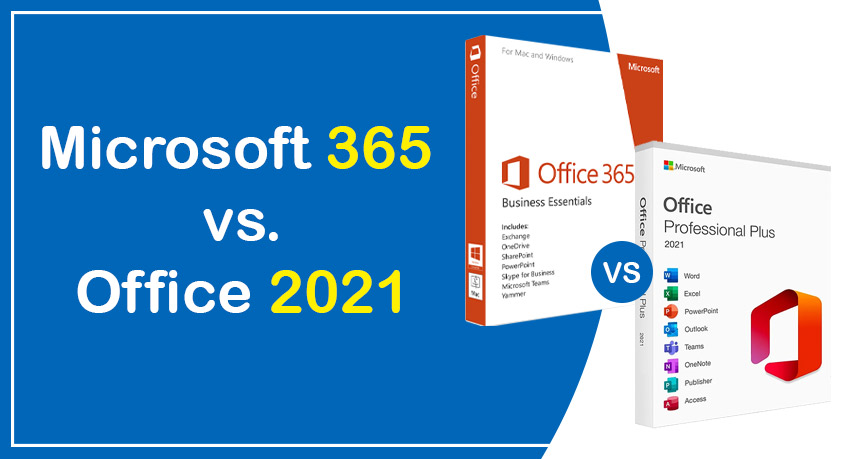
But there’s more than one way to buy Office—or rather, to purchase a license to use it. There’s the “perpetual” version of Office, available as a one-time purchase: the current version is Office 2024. There is also the subscription version: originally called Office 365, Microsoft 365 plans are available for both personal and business use. At the corporate level, Microsoft 365 and Office 365 plans are available.
[Related: Microsoft 365: A Guide to the Updates]
Microsoft has made it clear: it wants you to use Microsoft 365, its cloud-based productivity platform. However, it also recognizes that not all of its customers want to or can migrate to the cloud. For this reason, the company recently announced the release of Office 2024, almost as an apology:
Microsoft 365 is the best way to access the latest versions of the productivity apps that millions of people use every day to bring their ideas to life and get things done efficiently. But we know that some of our customers still prefer a way to access our familiar apps without a subscription, which is why we’re launching Office 2024 on October 1.
Available in editions for consumers and small businesses, this one-time purchase includes the desktop versions of the core Office apps for a single Windows or Mac PC. For businesses with more than five users, Microsoft offers Office LTSC 2024 to serve organizations that prioritize an on-premises model. Office 2024 lacks many of the collaborative and cloud-based features of Microsoft 365 apps, and its “long-term servicing channel” status means you won’t receive new app features—only bug fixes and security updates.
Why choose one version of Office over another? The answer can be complex, mainly because each suite includes the same core applications, with some variations. Here’s some guidance to help you decide which version of Office is best for you or your business.
Related content
View all
Want to buy a genuine license with automatic delivery?
Check our products and activate in minutes.