
Blog
error 0xC004F050
Error 0xC004F050: How to Fix This Windows Activation Problem
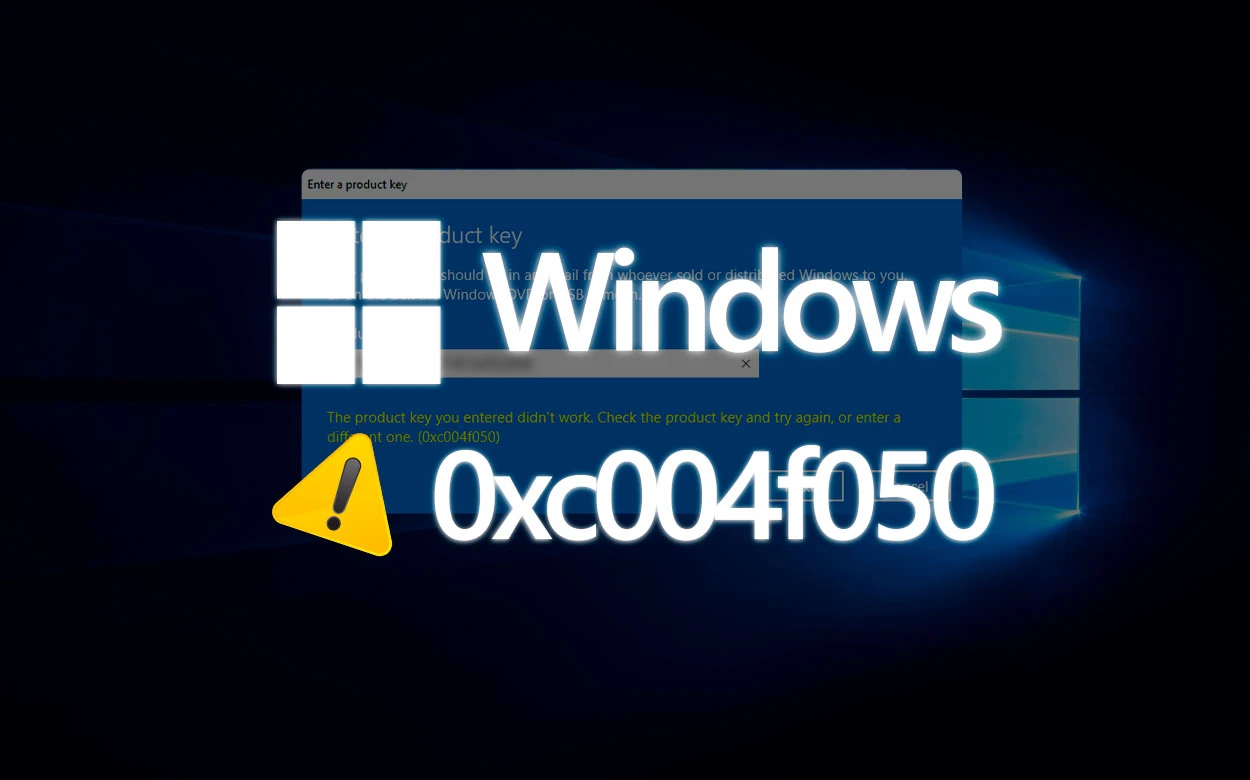
Error 0xC004F050 is a common message that may appear when trying to activate Windows. This error indicates that the product key entered is invalid or that there is a problem with the activation server. If you’re facing this issue, don’t worry! In this article, we’ll explore the causes of this error and provide a step-by-step guide to effectively resolve it.
What Causes Error 0xC004F050?
There are several reasons why error 0xC004F050 may occur, including:
Invalid or incorrect product key.
Internet connection issues.
Hardware changes on the computer.
Windows version incompatible with the product key.
Step-by-Step Guide to Fixing Error 0xC004F050
To fix error 0xC004F050, follow these steps:
Check the Product Key:
Make sure the product key you entered is correct. Compare it with the key provided in the Windows packaging or in the purchase confirmation email.
Connect to the Internet:
Check if your internet connection is working. Try accessing any website to confirm connectivity.
Run the Activation Troubleshooter:
Go to Settings > Update & Security > Activation and click Troubleshoot. Follow the on-screen instructions.
Use the Command Prompt:
Open Command Prompt as an administrator and type the following command: slmgr.vbs /ato. This will attempt to reactivate Windows.
Contact Microsoft Support:
If none of the above options work, you may need to contact Microsoft Support for further assistance.
Frequently Asked Questions
What should I do if my product key isn’t accepted?
If your product key isn’t accepted, check that you’re using the correct key for the version of Windows that’s installed. Otherwise, you may need to purchase a new activation key.
Can I activate Windows without a product key?
Yes, you can use Windows without activating it, but some features will be limited. For the full experience, we recommend activating it with a valid key.
How can I verify the validity of my product key?
You can verify the validity of your product key using specific online tools or by contacting Microsoft Support.
Conclusion
Error 0xC004F050 can be frustrating, but with the right steps, you can quickly resolve this Windows activation issue. Remember to always check your product key and your internet connection before trying more complex solutions. If you continue to experience difficulties, don’t hesitate to seek professional help. Keeping your Windows activated ensures access to all the features and security updates necessary for an optimal user experience.
Purchase an original license at: https://casadosoftware.com.br
Want to buy a genuine license with automatic delivery?
Check our products and activate in minutes.