
Blog
Windows OEM vs Retail: which license to choose?
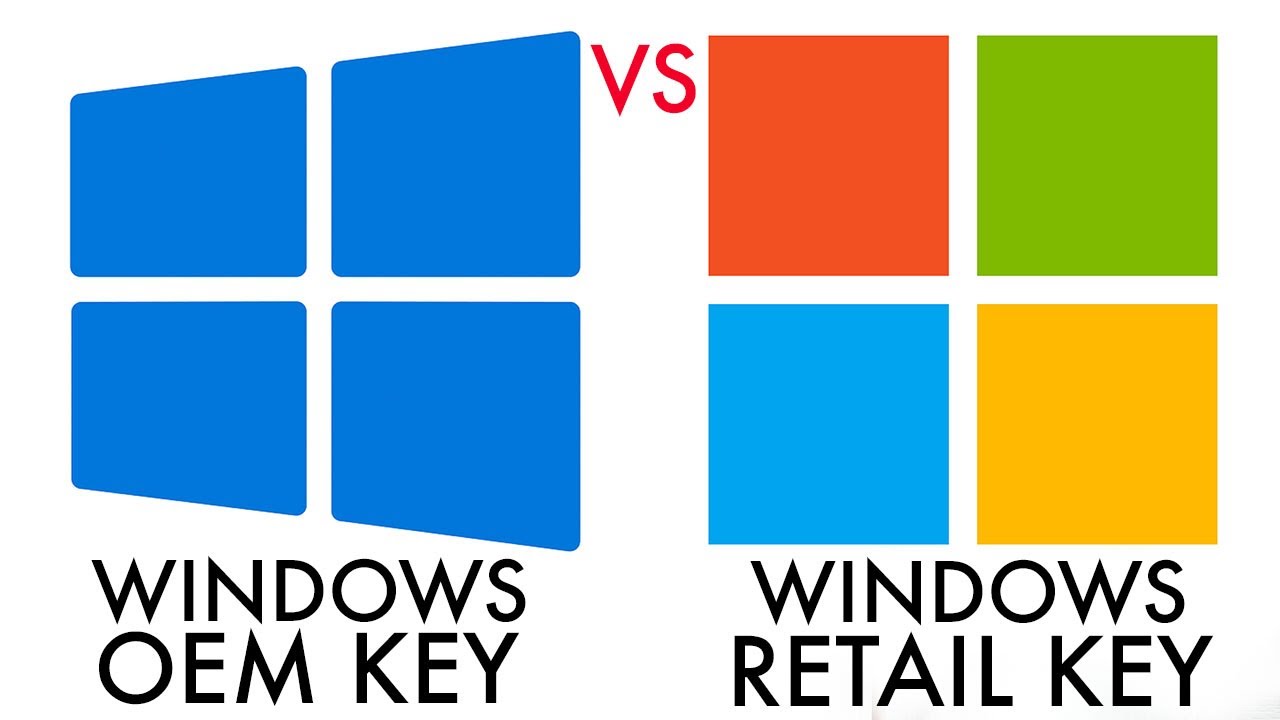
Windows OEM vs. Retail: Which License Should You Choose, and Which Is the Better Value?
When purchasing a Windows license, many people are faced with two main options: Windows OEM and Windows Retail. Although both allow you to activate the Microsoft operating system and use all of Windows’ features, there are important differences between these two types of licenses.
Understanding these differences is essential for choosing the option best suited to your needs, avoiding problems with activation or license transfer in the future.
In this comprehensive guide, you’ll discover:
What is a Windows OEM license
What is a Windows Retail license
What are the main differences
Which type of license is the best value
What is a Windows OEM license
An OEM (Original Equipment Manufacturer) license is a type of license originally intended for computer manufacturers. Companies such as Dell, HP, and Lenovo use this type of license to activate Windows on new computers sold to consumers.
When an OEM license is activated, it becomes tied to the computer’s hardware, specifically the motherboard. This means the license cannot be transferred to another computer later.
Key advantages of the OEM license
More affordable price
Permanent activation
Works exactly like the full version of Windows
Ideal for personal computers
Possible limitations
Cannot be transferred to another computer
Linked to the hardware on which it was activated
Limited technical support
What is a Windows Retail license
A Retail license is the traditional version sold directly to the end consumer. It can be purchased in physical stores or online and offers greater flexibility compared to an OEM license.
The main difference is that a Retail license can be transferred to another computer if the user changes hardware or purchases a new machine.
Advantages of the Retail license
Can be transferred to another computer
Greater flexibility of use
Direct support from Microsoft
Disadvantages
Higher price
Comparison between Windows OEM and Retail
FeatureOEMRetail PriceCheaperMore expensive Computer transferNoYes SupportLimitedMicrosoft Common usePersonal computersAdvanced users
Is an OEM license genuine?
Yes. The OEM license is completely genuine and legitimate. The only difference lies in the rules for using and transferring the license.
Once activated, it offers exactly the same features and functionality as the Retail version of Windows.
Which license should you choose?
For most home users, the OEM license is usually the best option. It is more affordable and offers exactly the same Windows experience.
However, users who plan to switch computers frequently may prefer the Retail license, which allows for transfer between devices.
Conclusion
Both the OEM and Retail licenses allow you to activate Windows and use all the operating system’s features. The main difference lies in the ability to transfer the license.
For those looking to save money and plan to use Windows on the same computer for a long time, the OEM license is usually the most advantageous choice.
Activate your Windows with a genuine license
If you need to activate Windows on your computer, an original digital key is the fastest and safest way to unlock all the system’s features.
Automatic delivery after payment
Genuine ESD license
Compatible with Windows 11 Pro
Quick activation in just a few minutes
Related content
View all

Want to buy a genuine license with automatic delivery?
Check our products and activate in minutes.