
Blog
Download Windows Server 2022: How to Download and Install
Updated on 4/3/20261 min
Download Windows Server 2022: How to Download and Install
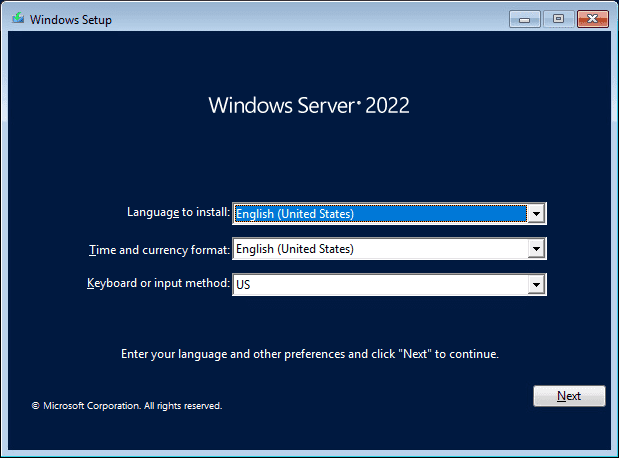
Windows Server 2022 is the latest version of Microsoft’s server operating system. It offers improvements in security, performance, and support for corporate environments.
Key features of Windows Server 2022
Advanced security
Azure integration
Improved virtualization performance
Container support
How to download Windows Server 2022
Go to the Microsoft website.
Select the Windows Server 2022 version.
Download the ISO image.
Create a bootable USB drive.
Start the installation on the server.
Minimum requirements
64-bit processor
2 GB of RAM (minimum)
32 GB of disk space
Compatible network card
Frequently Asked Questions
Is Windows Server 2022 free?
Microsoft offers a trial version, but a license is required for permanent use.
Can I use it on virtual machines?
Yes, Windows Server 2022 is widely used in virtualized environments.
Purchase an original license at:
https://casadosoftware.com.br
Related content
View all
Want to buy a genuine license with automatic delivery?
Check our products and activate in minutes.